This is a demo of image processing in Python/OpenCV. The angle math uses tangent rather than sine: sin is bounded from -1 to +1, but tan fits the geometry here because tangent variables are readily available from the frame. Tan ranges from negative to positive infinity, so you can hit divide-by-zero unless you guard the angle before computing tangent — that's why the code includes a greater-than-zero check.
I have added bookmarks in the description on youtube as below.
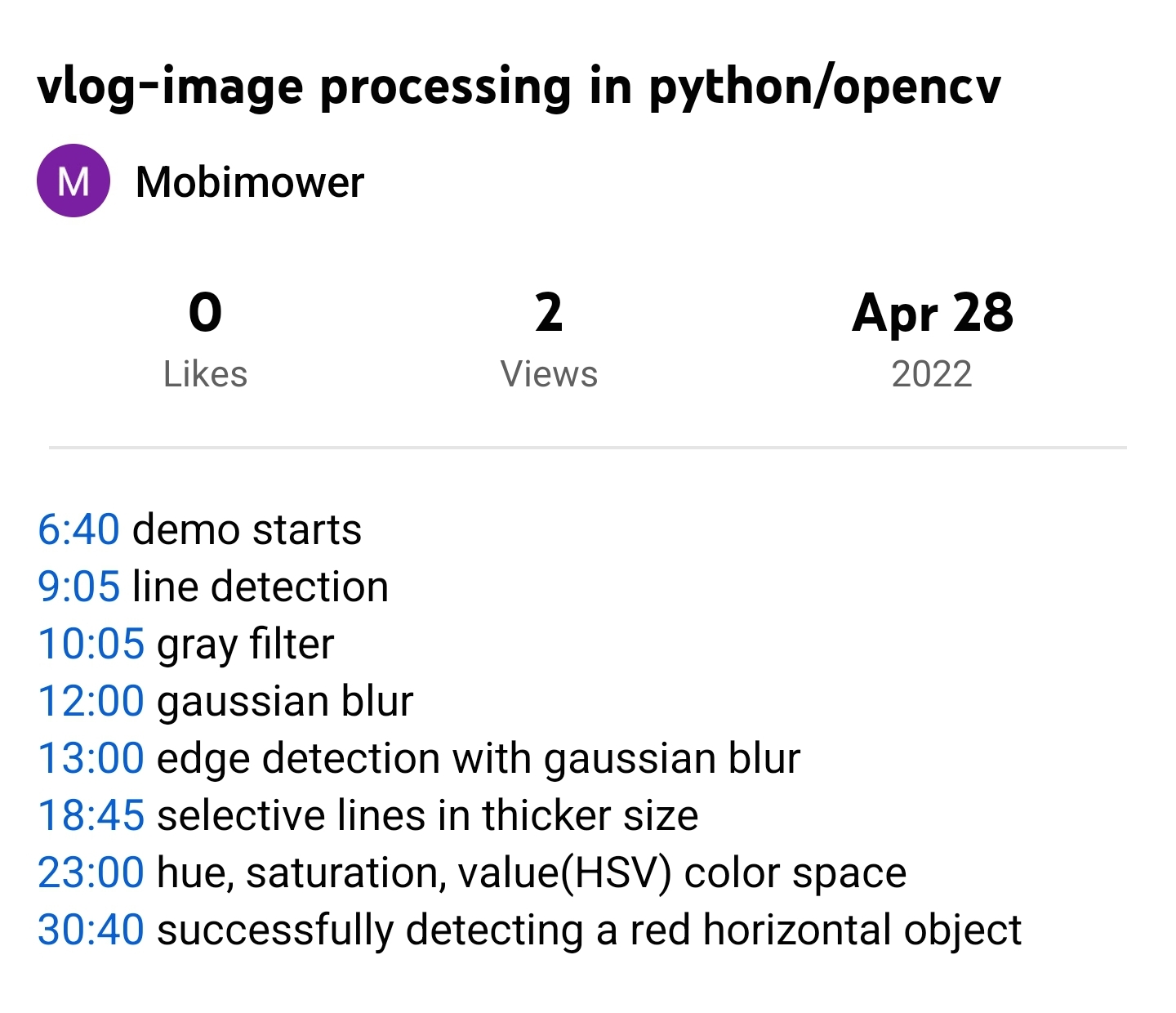
And here is the python code I used. It's very experimental but it will work for anyone who wants to test/prototype.
import cv2, sys, numpy, os, math, globals, subprocess
webcam = cv2.VideoCapture(1)
count = 1
globals.initialize()
(_, im) = webcam.read()
height = im.shape[0]
width = im.shape[1]
cv2.namedWindow('Source')
while 1:
(_, im) = webcam.read()
cv2.resizeWindow('Source', int(width+200) ,int(height))
hsv = cv2.cvtColor(im, cv2.COLOR_BGR2HSV)
lower_red = numpy.array([0,200,0])
upper_red = numpy.array([20,255,255])
mask = cv2.inRange(hsv, lower_red, upper_red)
res = cv2.bitwise_and(im, im, mask=mask)
gray = cv2.cvtColor(res, cv2.COLOR_BGR2GRAY)
blurred = cv2.GaussianBlur(gray,(11,11),0)
edge = cv2.Canny(im,75,100)
# cv2.imshow("Edge1", edge)
edge = cv2.Canny(blurred,75,100)
# cv2.imshow("Edge", edge)
linesP = cv2.HoughLinesP(edge, 1, numpy.pi / 180, 50, None, 10, 10)
if linesP is not None:
for i in range(0, len(linesP)):
l = linesP[i][0]
if ((l[3] - l[1]) > 0):
sinx = ((l[2] - l[0]) / (l[3] - l[1]))
if (sinx < -1) or (sinx > 1):
cv2.line(im, (l[0], l[1]), (l[2], l[3]), (0,255,255), 5)
cv2.circle(im,(globals.mousexmove,globals.mouseymove),10,(255, 255, 0),3)
cv2.imshow("masked", res)
cv2.imshow("Source", im)
# cv2.imshow("Gray", gray)
# cv2.imshow("Edge", edge)
cv2.imshow("Blur", blurred)
count += 1
key = cv2.waitKey(10)
if key == 27:
break